Join our WhatsApp for exclusive deals, latest updates, & insights
or subscribe to our newsletter.
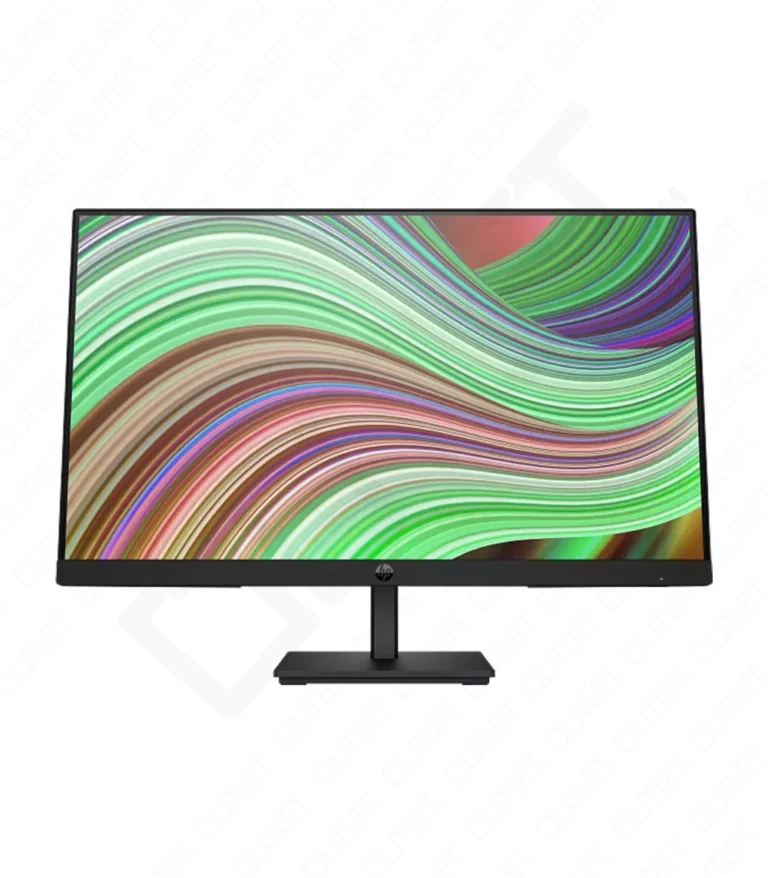
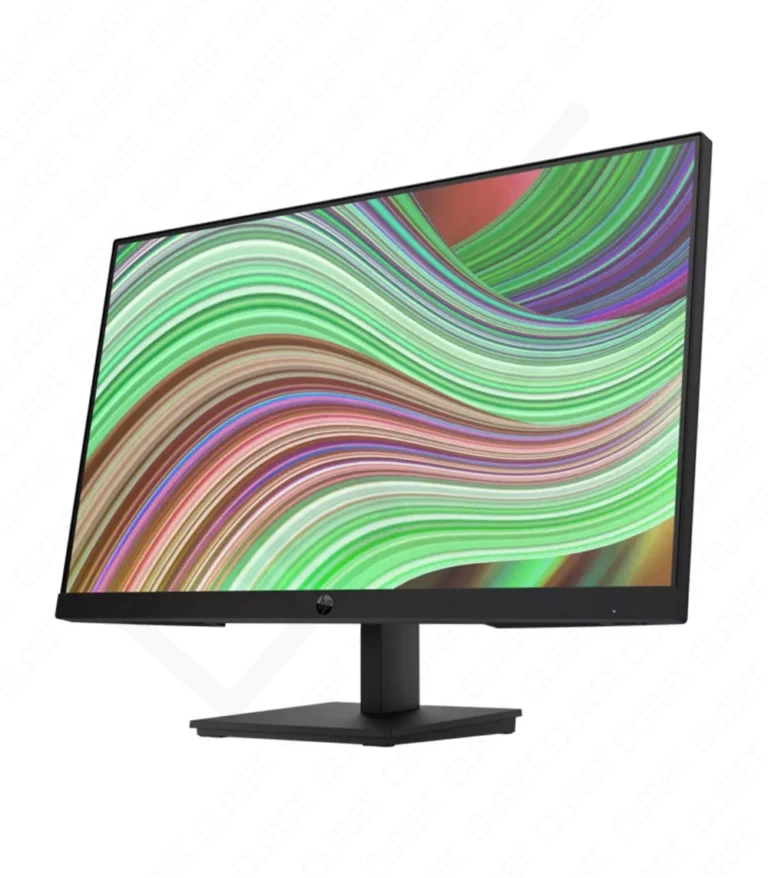
| Color | Black |
|---|---|
| Condition | Brand New |
| Screen SizeThe size of a screen is usually described by the length of its diagonal, which is the distance between opposite corners, usually measured in inches. | 23.8″ |
| Display Type | LED |
| Add. FeaturesAdditional Features. | Detachable stand |
| Screen ResolutionDisplay resolution or screen resolution expresses how many pixels are present in a display or entire screen. A given display will have a maximum resolution that depends on its physical ability to focus light. For example, a 15-inch 640x480 monitor or screen will display approximately 50 dots per inch. | 1920 x 1080p |
| Contrast Ratio | 3000:1 |
| Peak Brightness | 250 Nits |
| I/O Ports | 1x HDMI 1.4, 1x VGA |
| Screen Treatment | Anti-Glare |
| Viewing AngleIn its simplest terms, viewing angle is defined as the maximum angle at which a display can be viewed without losing brightness or experiencing color shifts. Optimal or ideal viewing can be defined as watching TV directly in front of the screen at eye level (0° below). | 178º |
| Aspect RatioThe aspect ratio states the comparison of width to height and is commonly used to describe the shape of a TV or computer screen. For example, the aspect ratio of an earlier standard-definition (SD) screen was 4:3, which is a relatively square rectangle. The 4:3 means \"4 to 3,\" or four units wide to three units high. | 16:9 |
| Backlight Type | Edge-lit |
| Refresh RateThe refresh rate of your display refers to how many times per second the display is able to draw a new image. This is measured in Hertz (Hz). For example, if your display has a refresh rate of 60Hz, it is refreshing the image 60 times per second. | 75Hz |
| LatencyMonitor latency, also known as input lag, is the delay between the source of the input eg. keyboard, mouse, remote, controller and the display of the image on a monitor or a TV. In other words, it is the time it takes from when a GPU sends a signal to the monitor, for the TV or monitor to display that frame. | 5 Milliseconds, with overdrive |
| Warranty | 12 Months Warranty |
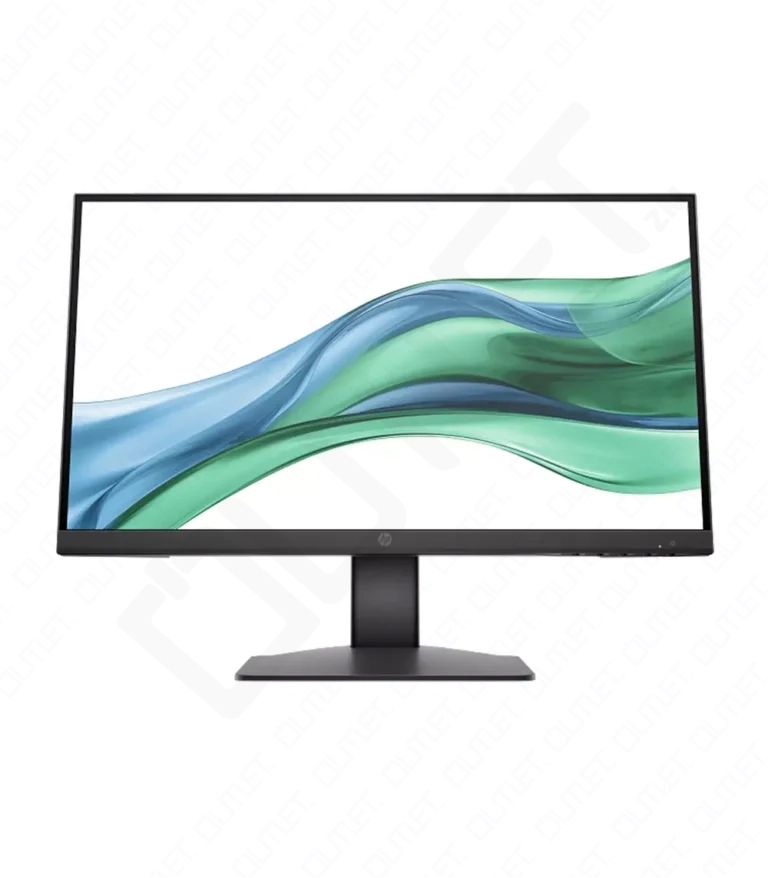
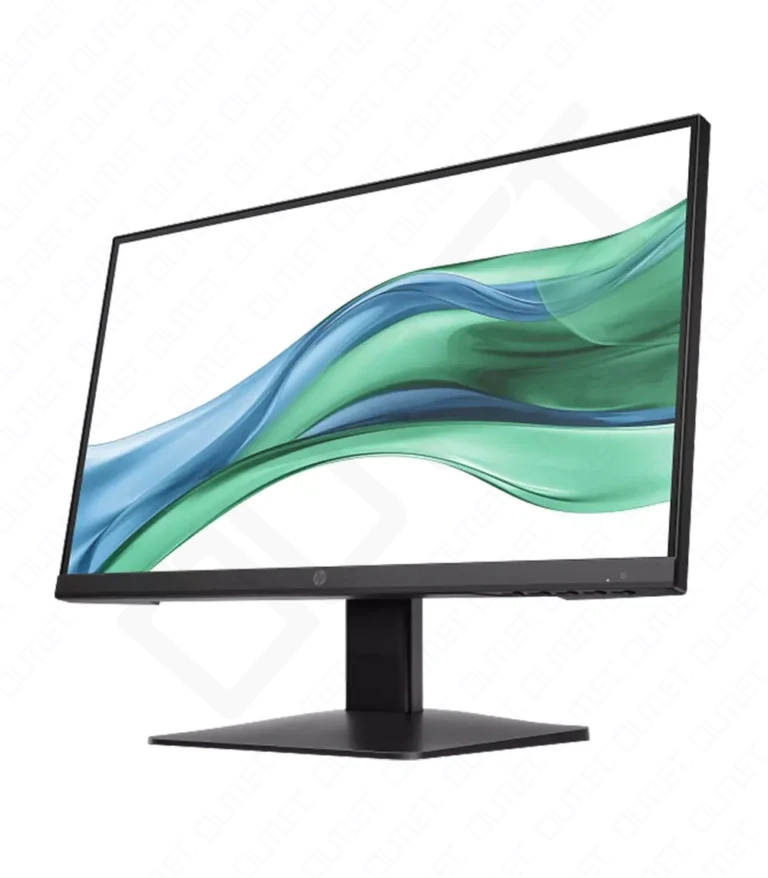
| Dimensions | 13.8 × 49.28 × 37.44 cm |
|---|---|
| Color | Black |
| Condition | Brand New |
| Screen SizeThe size of a screen is usually described by the length of its diagonal, which is the distance between opposite corners, usually measured in inches. | 21.45″ |
| Display Type | IPS, LCD |
| Add. FeaturesAdditional Features. | Detachable stand, Tilt |
| Color Gamut | 72% NTSC |
| Controls | Brightness+, Color, Image, Input, Management, Menu, Power |
| Screen ResolutionDisplay resolution or screen resolution expresses how many pixels are present in a display or entire screen. A given display will have a maximum resolution that depends on its physical ability to focus light. For example, a 15-inch 640x480 monitor or screen will display approximately 50 dots per inch. | 1920 x 1080p |
| Contrast Ratio | 1000:1 |
| Peak Brightness | 250 Nits |
| HDCP | HDMI, Yes |
| I/O Ports | 1x HDMI 1.4, 1x VGA |
| Screen Treatment | Anti-Glare |
| Viewing AngleIn its simplest terms, viewing angle is defined as the maximum angle at which a display can be viewed without losing brightness or experiencing color shifts. Optimal or ideal viewing can be defined as watching TV directly in front of the screen at eye level (0° below). | 178º |
| Aspect RatioThe aspect ratio states the comparison of width to height and is commonly used to describe the shape of a TV or computer screen. For example, the aspect ratio of an earlier standard-definition (SD) screen was 4:3, which is a relatively square rectangle. The 4:3 means \"4 to 3,\" or four units wide to three units high. | 16:9 |
| Backlight Type | Edge-lit |
| Refresh RateThe refresh rate of your display refers to how many times per second the display is able to draw a new image. This is measured in Hertz (Hz). For example, if your display has a refresh rate of 60Hz, it is refreshing the image 60 times per second. | 100Hz |
| LatencyMonitor latency, also known as input lag, is the delay between the source of the input eg. keyboard, mouse, remote, controller and the display of the image on a monitor or a TV. In other words, it is the time it takes from when a GPU sends a signal to the monitor, for the TV or monitor to display that frame. | 5 Milliseconds, with overdrive |
| Warranty | 12 Months Warranty |
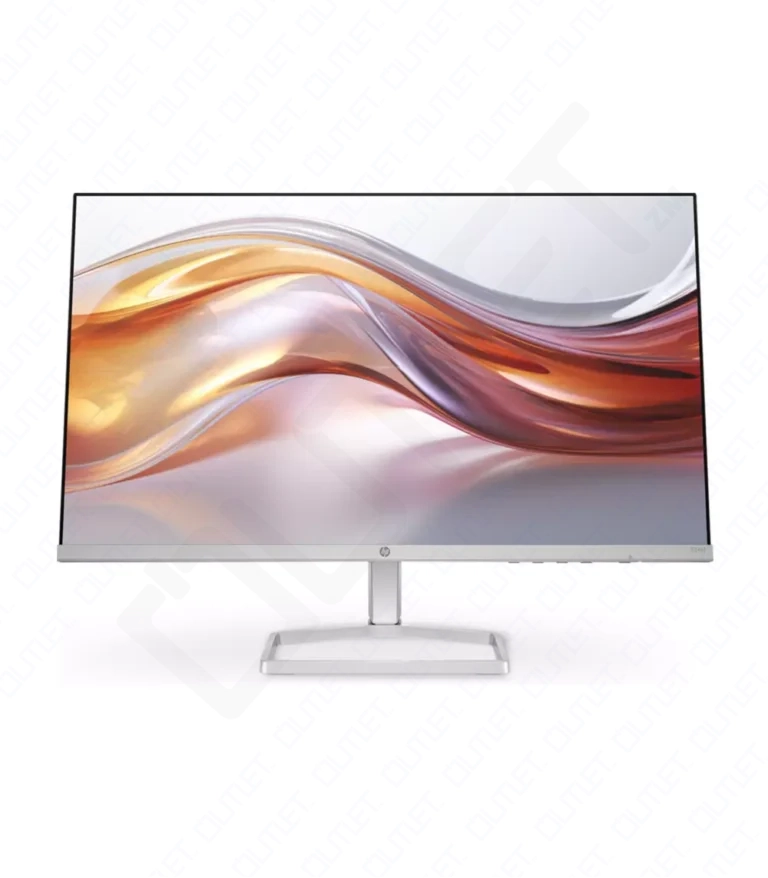
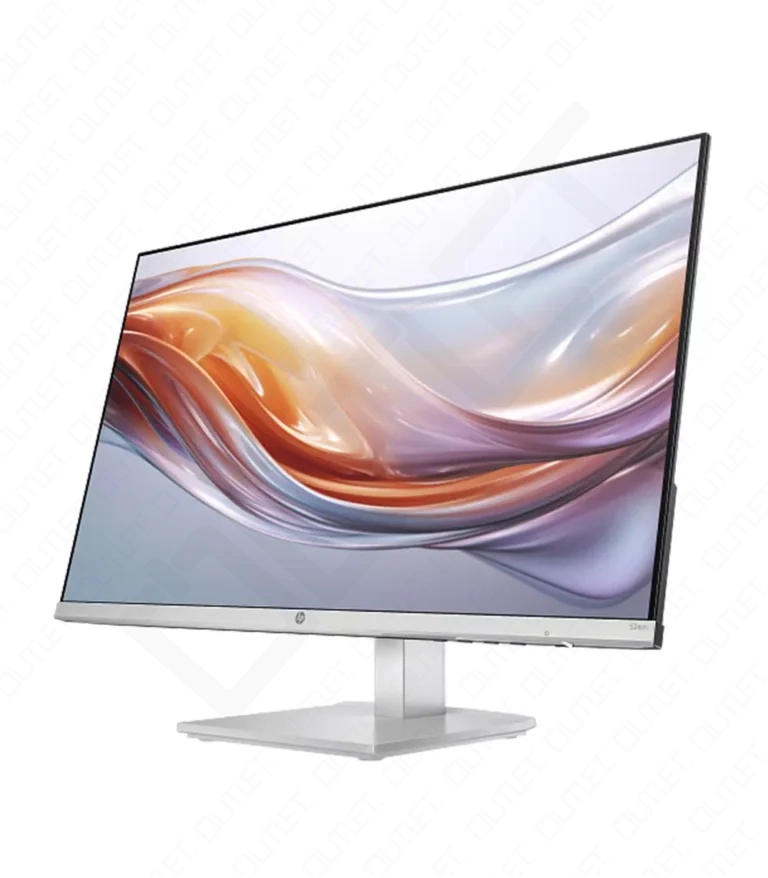
| Dimensions | 13.8 × 49.28 × 37.44 cm |
|---|---|
| Color | Silver |
| Condition | Brand New |
| Screen SizeThe size of a screen is usually described by the length of its diagonal, which is the distance between opposite corners, usually measured in inches. | 23.8″ |
| Display Type | IPS, LCD |
| Add. FeaturesAdditional Features. | Adjustable Height, Tilt |
| Color Gamut | 99% sRGB |
| Controls | Brightness+, Color, Image, Input, Management, Menu, Power |
| Screen ResolutionDisplay resolution or screen resolution expresses how many pixels are present in a display or entire screen. A given display will have a maximum resolution that depends on its physical ability to focus light. For example, a 15-inch 640x480 monitor or screen will display approximately 50 dots per inch. | 1920 x 1080p |
| Contrast Ratio | 1500:1 |
| Peak Brightness | 300 Nits |
| HDCP | HDMI, Yes |
| I/O Ports | 1x HDMI 1.4, 1x VGA |
| Screen Treatment | Anti-Glare |
| Viewing AngleIn its simplest terms, viewing angle is defined as the maximum angle at which a display can be viewed without losing brightness or experiencing color shifts. Optimal or ideal viewing can be defined as watching TV directly in front of the screen at eye level (0° below). | 178º |
| Aspect RatioThe aspect ratio states the comparison of width to height and is commonly used to describe the shape of a TV or computer screen. For example, the aspect ratio of an earlier standard-definition (SD) screen was 4:3, which is a relatively square rectangle. The 4:3 means \"4 to 3,\" or four units wide to three units high. | 16:9 |
| Backlight Type | Edge-lit |
| Refresh RateThe refresh rate of your display refers to how many times per second the display is able to draw a new image. This is measured in Hertz (Hz). For example, if your display has a refresh rate of 60Hz, it is refreshing the image 60 times per second. | 100Hz |
| LatencyMonitor latency, also known as input lag, is the delay between the source of the input eg. keyboard, mouse, remote, controller and the display of the image on a monitor or a TV. In other words, it is the time it takes from when a GPU sends a signal to the monitor, for the TV or monitor to display that frame. | 5 Milliseconds, with overdrive |
| Warranty | 12 Months Warranty |

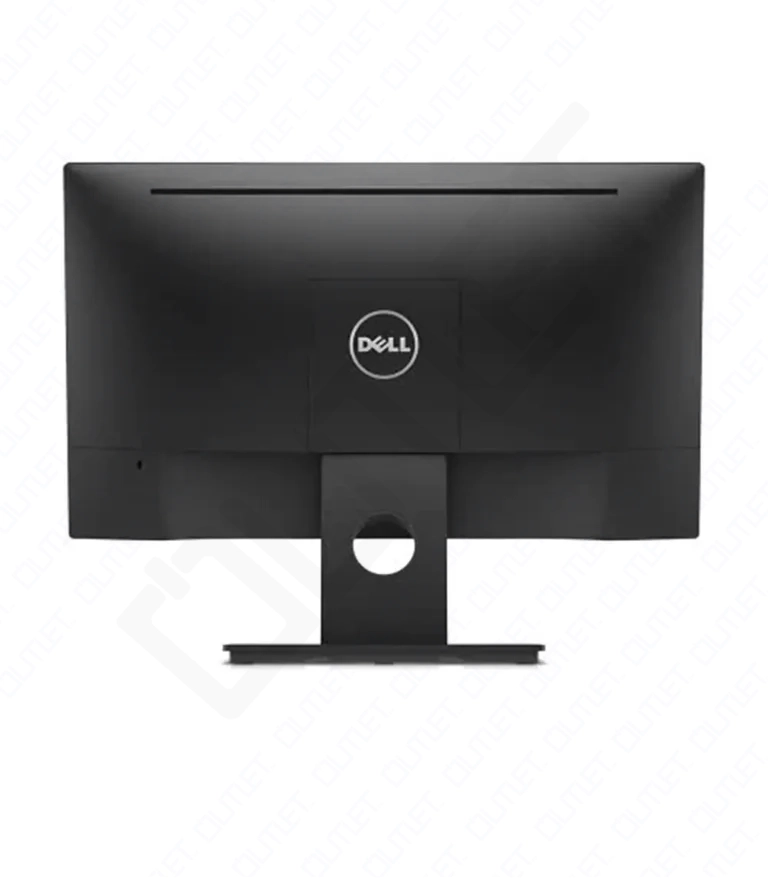
| Color | Black |
|---|---|
| Condition | Brand New |
| Screen SizeThe size of a screen is usually described by the length of its diagonal, which is the distance between opposite corners, usually measured in inches. | 22″ |
| Display Type | LED |
| Screen ResolutionDisplay resolution or screen resolution expresses how many pixels are present in a display or entire screen. A given display will have a maximum resolution that depends on its physical ability to focus light. For example, a 15-inch 640x480 monitor or screen will display approximately 50 dots per inch. | 1920 x 1080p |
| Aspect RatioThe aspect ratio states the comparison of width to height and is commonly used to describe the shape of a TV or computer screen. For example, the aspect ratio of an earlier standard-definition (SD) screen was 4:3, which is a relatively square rectangle. The 4:3 means \"4 to 3,\" or four units wide to three units high. | 16:9 |
| Refresh RateThe refresh rate of your display refers to how many times per second the display is able to draw a new image. This is measured in Hertz (Hz). For example, if your display has a refresh rate of 60Hz, it is refreshing the image 60 times per second. | 80Hz |
| Viewing AngleIn its simplest terms, viewing angle is defined as the maximum angle at which a display can be viewed without losing brightness or experiencing color shifts. Optimal or ideal viewing can be defined as watching TV directly in front of the screen at eye level (0° below). | 90° |
| Warranty | 12 Months Warranty |
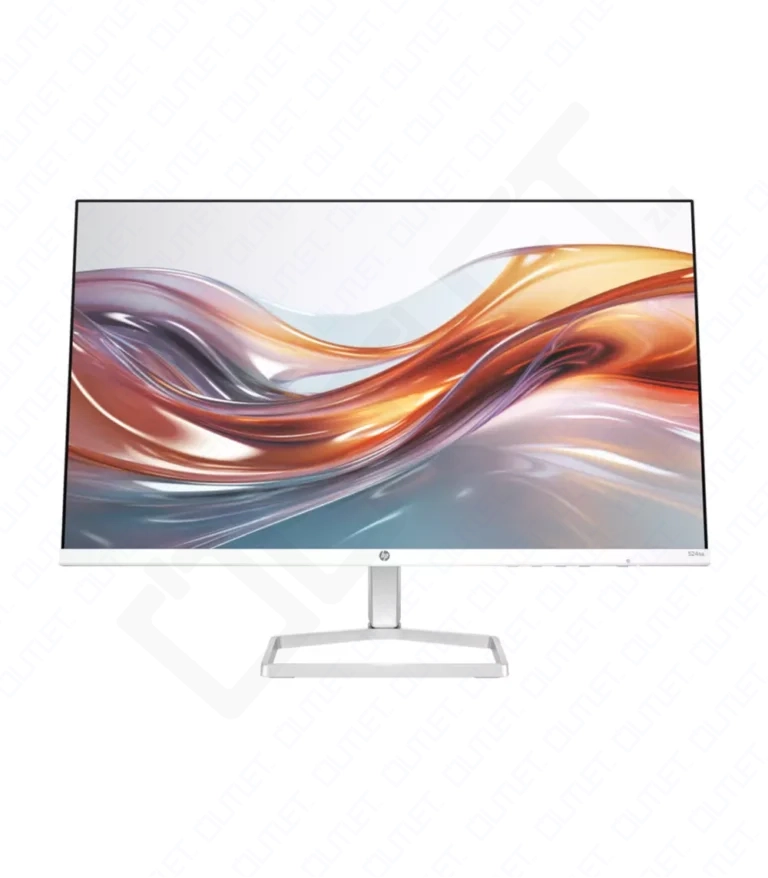
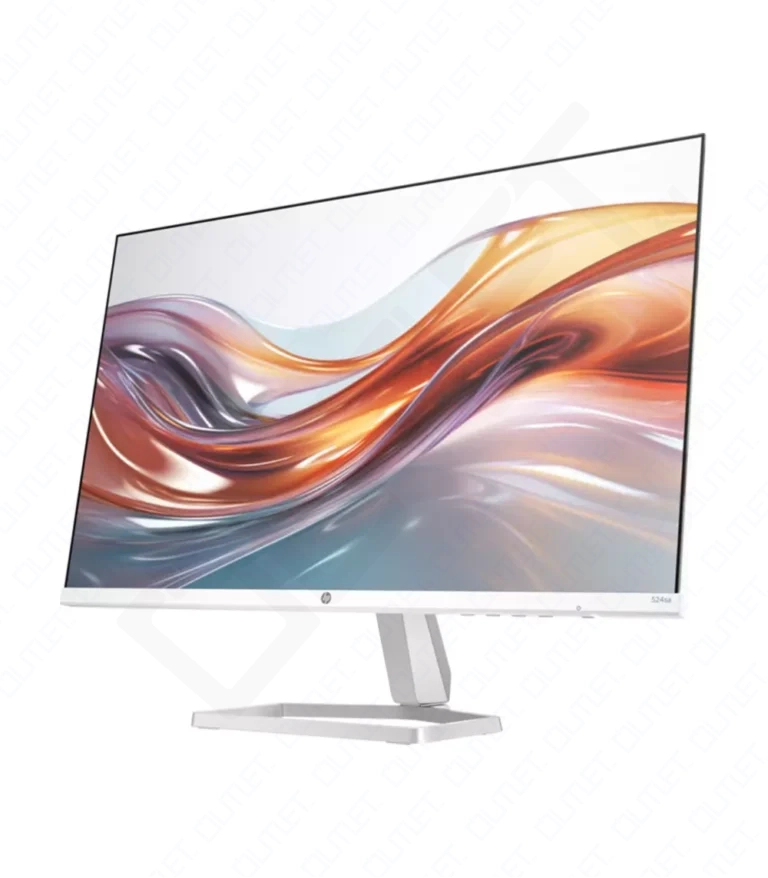
| Color | Silver |
|---|---|
| Condition | Brand New |
| Screen SizeThe size of a screen is usually described by the length of its diagonal, which is the distance between opposite corners, usually measured in inches. | 23.8″ |
| Display Type | IPS |
| Screen ResolutionDisplay resolution or screen resolution expresses how many pixels are present in a display or entire screen. A given display will have a maximum resolution that depends on its physical ability to focus light. For example, a 15-inch 640x480 monitor or screen will display approximately 50 dots per inch. | 1920 x 1080p |
| Refresh RateThe refresh rate of your display refers to how many times per second the display is able to draw a new image. This is measured in Hertz (Hz). For example, if your display has a refresh rate of 60Hz, it is refreshing the image 60 times per second. | 100Hz |
| Aspect RatioThe aspect ratio states the comparison of width to height and is commonly used to describe the shape of a TV or computer screen. For example, the aspect ratio of an earlier standard-definition (SD) screen was 4:3, which is a relatively square rectangle. The 4:3 means \"4 to 3,\" or four units wide to three units high. | 16:9 |
| LatencyMonitor latency, also known as input lag, is the delay between the source of the input eg. keyboard, mouse, remote, controller and the display of the image on a monitor or a TV. In other words, it is the time it takes from when a GPU sends a signal to the monitor, for the TV or monitor to display that frame. | 5 Milliseconds |
| Viewing AngleIn its simplest terms, viewing angle is defined as the maximum angle at which a display can be viewed without losing brightness or experiencing color shifts. Optimal or ideal viewing can be defined as watching TV directly in front of the screen at eye level (0° below). | 178º |
| Warranty | 6 Months Warranty |
| Peak Brightness | 300 Nits |
| Speakers | Dual Stereo Speakers |


| Color | White |
|---|---|
| Condition | Brand New |
| Screen SizeThe size of a screen is usually described by the length of its diagonal, which is the distance between opposite corners, usually measured in inches. | 27″ |
| Display Type | IPS |
| Screen ResolutionDisplay resolution or screen resolution expresses how many pixels are present in a display or entire screen. A given display will have a maximum resolution that depends on its physical ability to focus light. For example, a 15-inch 640x480 monitor or screen will display approximately 50 dots per inch. | 1920 x 1080p |
| Refresh RateThe refresh rate of your display refers to how many times per second the display is able to draw a new image. This is measured in Hertz (Hz). For example, if your display has a refresh rate of 60Hz, it is refreshing the image 60 times per second. | 100Hz |
| Aspect RatioThe aspect ratio states the comparison of width to height and is commonly used to describe the shape of a TV or computer screen. For example, the aspect ratio of an earlier standard-definition (SD) screen was 4:3, which is a relatively square rectangle. The 4:3 means \"4 to 3,\" or four units wide to three units high. | 16:9 |
| LatencyMonitor latency, also known as input lag, is the delay between the source of the input eg. keyboard, mouse, remote, controller and the display of the image on a monitor or a TV. In other words, it is the time it takes from when a GPU sends a signal to the monitor, for the TV or monitor to display that frame. | 5 Milliseconds |
| Viewing AngleIn its simplest terms, viewing angle is defined as the maximum angle at which a display can be viewed without losing brightness or experiencing color shifts. Optimal or ideal viewing can be defined as watching TV directly in front of the screen at eye level (0° below). | 178º |
| Warranty | 6 Months Warranty |
| Peak Brightness | 300 Nits |


| Dimensions | 1.33 × 21.09 × 12.42 cm |
|---|---|
| Color | Silver |
| Condition | Brand New |
| Screen SizeThe size of a screen is usually described by the length of its diagonal, which is the distance between opposite corners, usually measured in inches. | 23.8″ |
| Display Type | LED |
| Screen ResolutionDisplay resolution or screen resolution expresses how many pixels are present in a display or entire screen. A given display will have a maximum resolution that depends on its physical ability to focus light. For example, a 15-inch 640x480 monitor or screen will display approximately 50 dots per inch. | 1920 x 1080p |
| Refresh RateThe refresh rate of your display refers to how many times per second the display is able to draw a new image. This is measured in Hertz (Hz). For example, if your display has a refresh rate of 60Hz, it is refreshing the image 60 times per second. | 60Hz |
| Aspect RatioThe aspect ratio states the comparison of width to height and is commonly used to describe the shape of a TV or computer screen. For example, the aspect ratio of an earlier standard-definition (SD) screen was 4:3, which is a relatively square rectangle. The 4:3 means \"4 to 3,\" or four units wide to three units high. | 16:9 |
| LatencyMonitor latency, also known as input lag, is the delay between the source of the input eg. keyboard, mouse, remote, controller and the display of the image on a monitor or a TV. In other words, it is the time it takes from when a GPU sends a signal to the monitor, for the TV or monitor to display that frame. | 5 Milliseconds |
| Viewing AngleIn its simplest terms, viewing angle is defined as the maximum angle at which a display can be viewed without losing brightness or experiencing color shifts. Optimal or ideal viewing can be defined as watching TV directly in front of the screen at eye level (0° below). | 178º |
| Warranty | 12 Months Warranty |
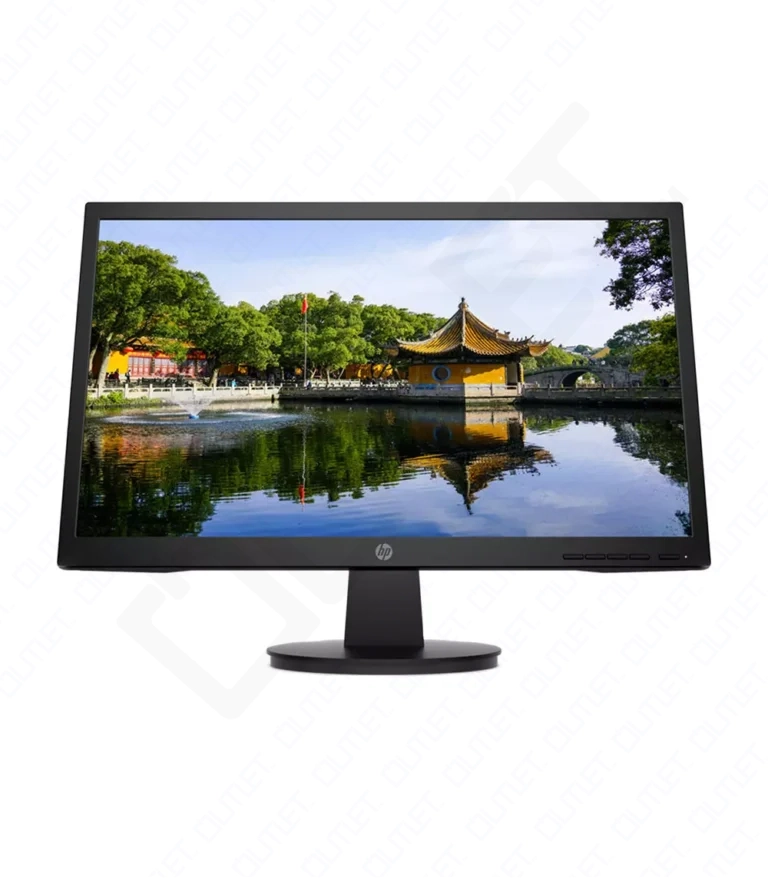
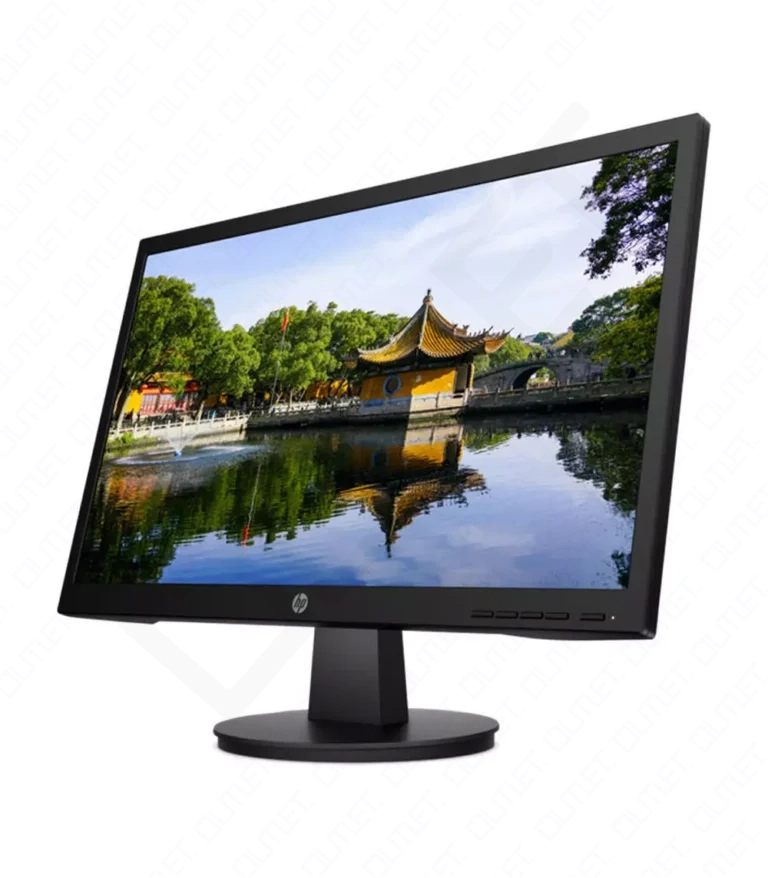
| Color | Black |
|---|---|
| Condition | Brand New |
| Screen SizeThe size of a screen is usually described by the length of its diagonal, which is the distance between opposite corners, usually measured in inches. | 23.8″ |
| Display Type | IPS |
| Screen ResolutionDisplay resolution or screen resolution expresses how many pixels are present in a display or entire screen. A given display will have a maximum resolution that depends on its physical ability to focus light. For example, a 15-inch 640x480 monitor or screen will display approximately 50 dots per inch. | 1920 x 1080p |
| Refresh RateThe refresh rate of your display refers to how many times per second the display is able to draw a new image. This is measured in Hertz (Hz). For example, if your display has a refresh rate of 60Hz, it is refreshing the image 60 times per second. | 75Hz |
| Aspect RatioThe aspect ratio states the comparison of width to height and is commonly used to describe the shape of a TV or computer screen. For example, the aspect ratio of an earlier standard-definition (SD) screen was 4:3, which is a relatively square rectangle. The 4:3 means \"4 to 3,\" or four units wide to three units high. | 16:9 |
| LatencyMonitor latency, also known as input lag, is the delay between the source of the input eg. keyboard, mouse, remote, controller and the display of the image on a monitor or a TV. In other words, it is the time it takes from when a GPU sends a signal to the monitor, for the TV or monitor to display that frame. | 5 Milliseconds |
| Viewing AngleIn its simplest terms, viewing angle is defined as the maximum angle at which a display can be viewed without losing brightness or experiencing color shifts. Optimal or ideal viewing can be defined as watching TV directly in front of the screen at eye level (0° below). | 178º |
| Warranty | 6 Months Warranty |














No account yet?
Create an Account